Start Filming Better Yoga Content From Home Today.
A practical step-by-step iPhone video guide designed for yoga teachers and wellness professionals.
Want to start creating content online but feel overwhelmed by cameras, equipment and where to start?
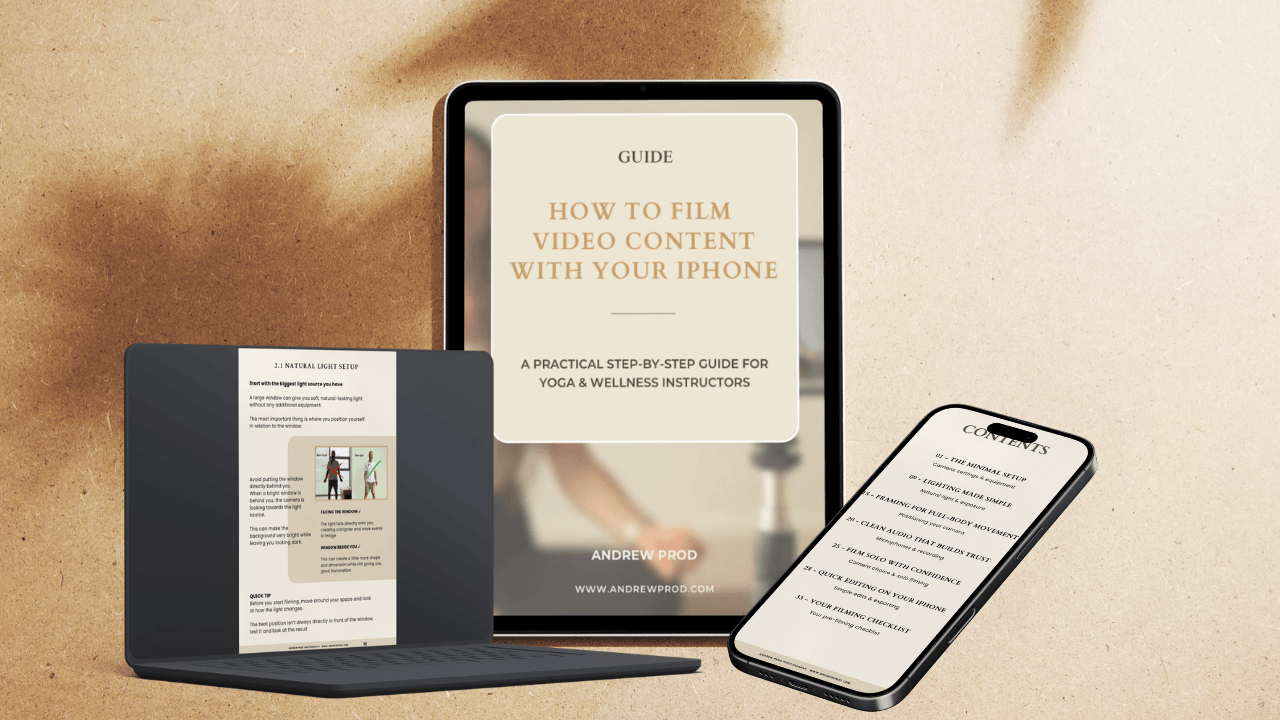
No expensive camera setup. No confusing tech.
Just a simple process for creating better-looking videos with the iPhone you already have.
Stop letting the tech get in the way of your content.
You want to share your practice online, create content for your students, build your digital studio or grow your social media.
But filming can quickly become frustrating:
You don’t know where to start
You spend hours researching online
Your head or feet get cut out of frame
Your footage looks dark or inconsistent
Your audio sounds echoey
You’re not sure which settings to use
You spend more time figuring out the setup than actually filming
Inside the 40 page ebook, you’ll learn how to:
Set up your iPhone correctly
Position your camera
Use natural light effectively
Capture clean audio
Film yourself independently
Create content for multiple platforms
Simple Edits
🧘 What’s Inside:
01 - The Minimal Setup
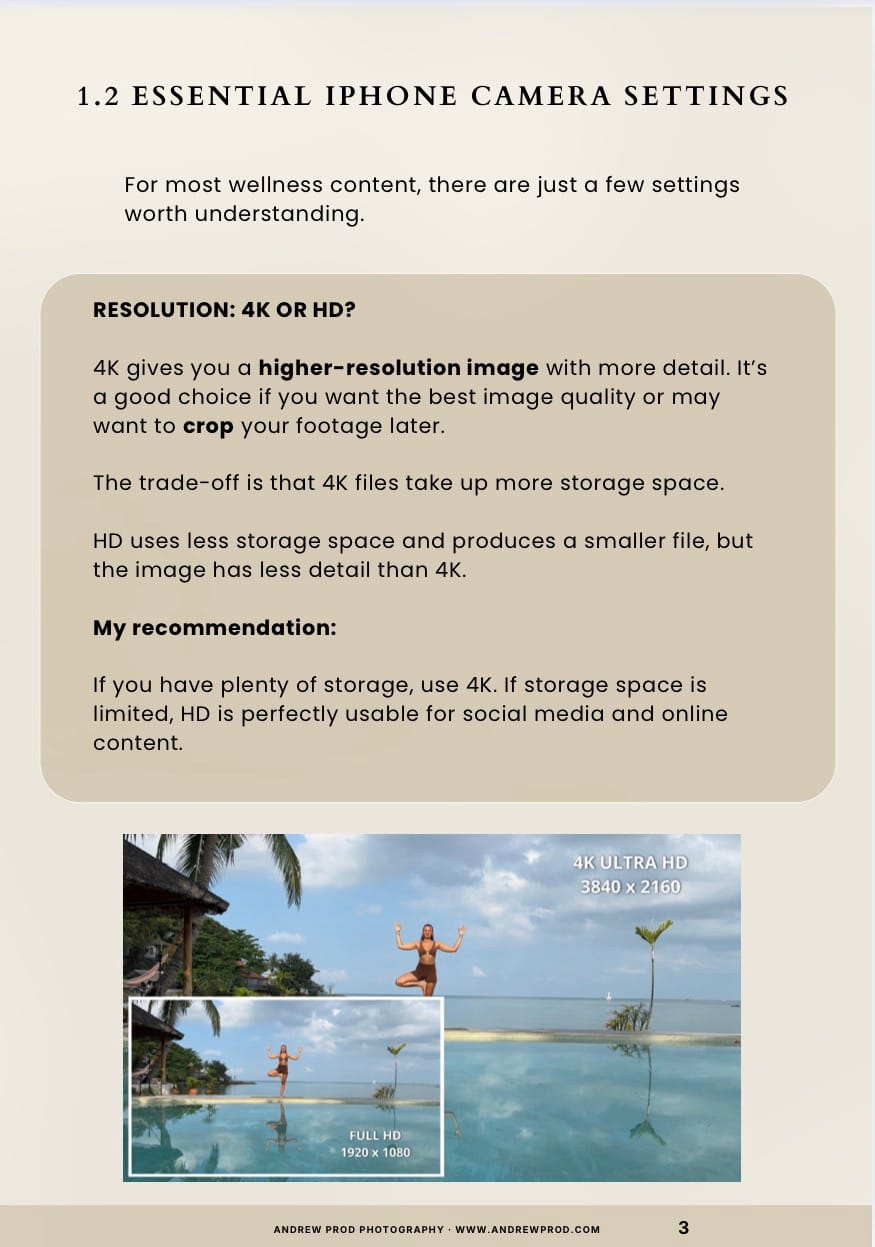
Learn what you actually need to start filming, including your iPhone settings, lenses, orientation, tripod and camera positioning.
02 - Lighting Made Simple
Understand how to make the most of natural light, manage changing light and create a simple setup when you need more control.
03 - Framing for Full-Body Movement
Learn how to position your iPhone so your movements stay inside the frame, whether you’re standing, moving across the mat or working from the floor.
04 - Clean Audio
Understand when your iPhone’s built-in microphone is enough, when a wireless microphone can help, and how to reduce common problems like echo and wind.
05 - Film Solo With Confidence
Learn how to film yourself without constantly running back to check the camera, including tips for using the front and rear cameras.
06 - Quick Editing on Your iPhone
Make simple edits directly on your iPhone, including trimming, cropping, adjusting your footage.
07 - Your Filming Checklist
Use the simple pre-filming checklist to check your camera, lighting, audio and framing before you press record.

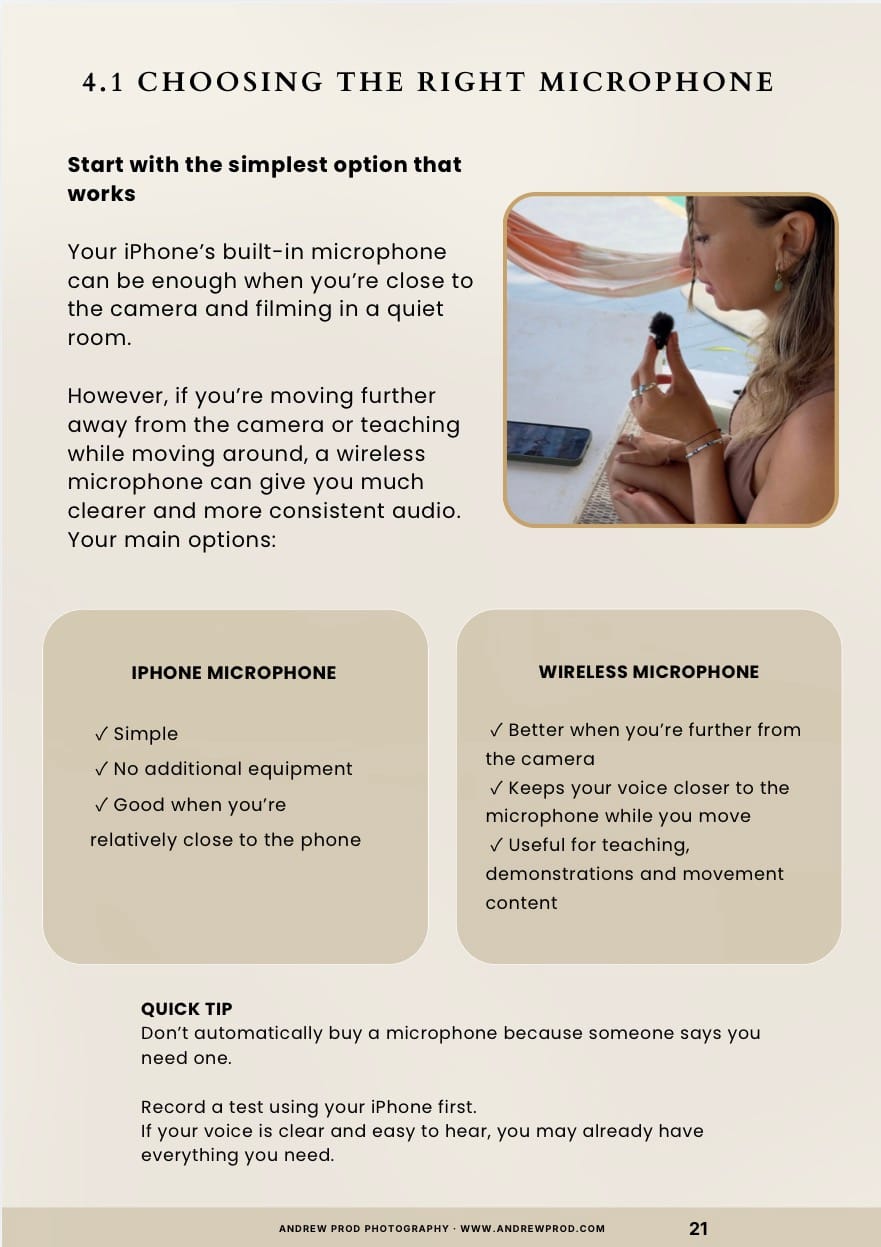
A simple way to start creating better videos using your iPhone.
No expensive cameras.
No complicated lighting.
No production team.
No unnecessary technical jargon
Just practical guidance to help you create clean, professional-looking videos using a simple setup.
Ready to get started?
Start creating better iPhone videos today.
Full ebook access • Learn at your own pace • Instant access after purchase
My Story
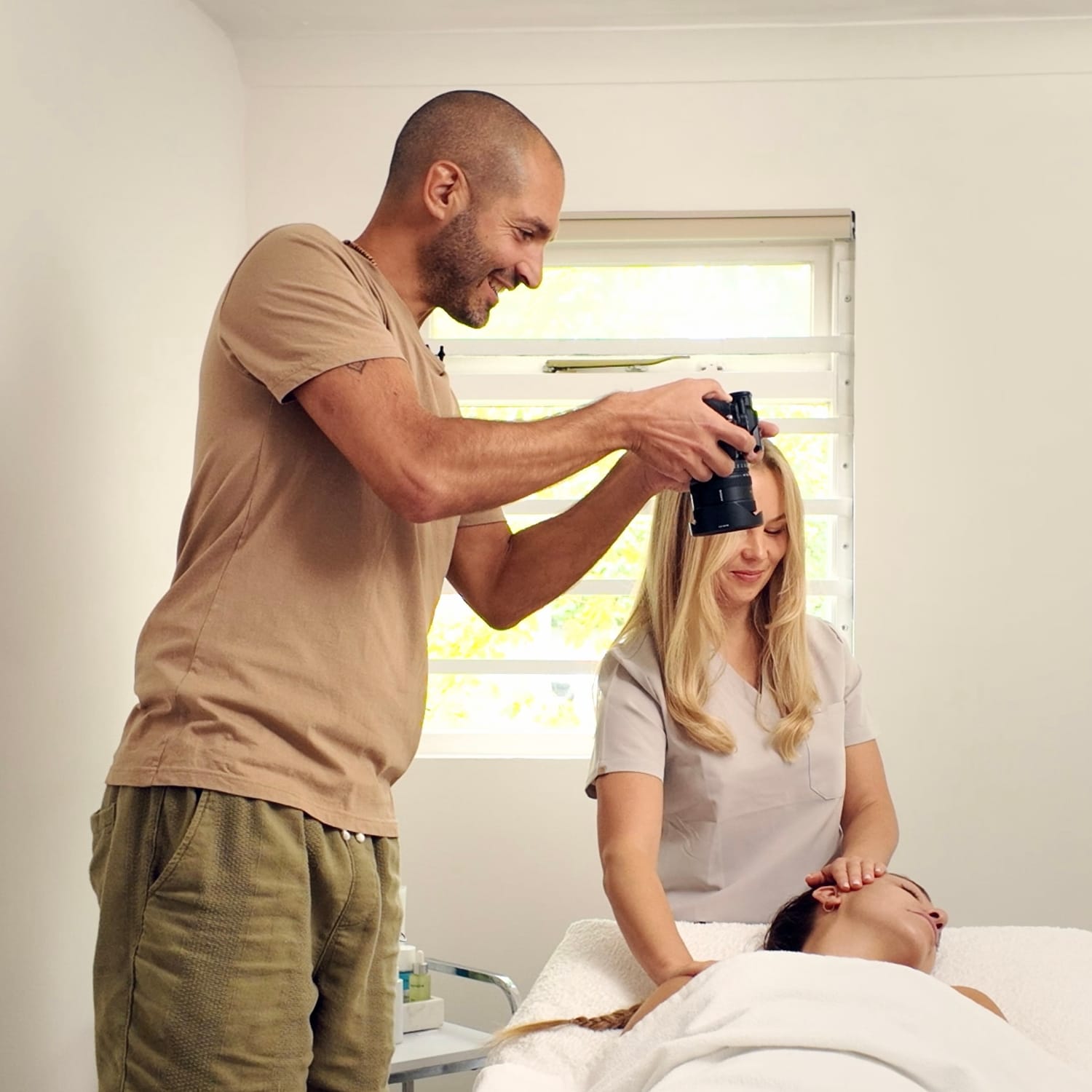
I’ve spent 12 years creating wellness content professionally.
I’ve worked as a wellness photographer and videographer, creating content for yoga teachers, massage therapists, Pilates instructors and personal trainers
But after working with clients, I kept hearing the same questions:
How do I film myself between sessions?
How do I create content consistently?
How do I do this without hiring someone every time?
And the reality is:
Hiring a professional for every piece of content isn’t sustainable.
So I created this course to share a simple, practical approach that people can use independently.
Frequently Asked Questions
No. The guide is designed around using your iPhone and making the most of the space and equipment you already have. It also covers simple, affordable options if you decide to upgrade later.
Yes. The guide avoids complicated camera jargon and breaks the process down into simple, practical steps.
Absolutely. The principles can be applied to Pilates, fitness, wellness tutorials, demonstrations, social media content, online courses and other movement-based videos.
It is delivered instantly as a high-quality, beautifully designed PDF. You can read it on your phone, tablet, or laptop, or print out the checklists to keep by your mat.